
I build interactive software for ideas that need to be experienced rather than only explained.
This includes browser-based 3D experiences, visualization tools, research prototypes, simulations, and gameplay systems developed with Godot, Unity, and web technologies.
The goal is to make complex behavior easier to explore while keeping the experience responsive, understandable, and appropriate for its intended platform.
Why Interaction Matters
Static interfaces work well when the user only needs to read, compare, or submit information. They become limiting when the value of an idea depends on movement, timing, spatial relationships, experimentation, or immediate feedback.
A prototype can reveal whether a mechanic works before a larger production begins. A simulation can show how a system responds under different conditions. A 3D experience can help users inspect a product, environment, or dataset from perspectives that a conventional page cannot provide.
The challenge is not simply making the result visually impressive. Controls must be understandable, feedback must explain what happened, and the experience must perform seamless on the devices where it will be used.
I approach interaction design, system behavior, and technical constraints as parts of the same problem.
What I Deliver
Interactive Prototypes
Focused builds that test the central interaction, mechanic, workflow, or technical direction behind an idea.
The prototype includes enough structure to evaluate feasibility and gather useful feedback without treating every early decision as production-ready.
Common use cases: Research studies, product experiments, proof-of-concepts, gameplay tests, and early demonstrations for stakeholders.
3D Web Experiences
Interactive scenes, product demonstrations, visualizations, and lightweight simulations that run directly in the browser without requiring a separate installation.
The scope is shaped around browser performance, device limitations, asset size, and the level of interaction the experience actually needs.
Common use cases: Product exploration, education, marketing experiences, technical demonstrations, and accessible 3D tools.
Godot & Unity Development
Interactive applications built with an engine when the project requires real-time rendering, physics, structured scene management, specialized input, or deployment beyond the browser.
I develop the application logic, interfaces, tools, scene structure, and supporting systems required by the experience.
Common use cases: Simulations, research applications, game prototypes, training tools, and cross-platform interactive products.
Visualization & Simulation Systems
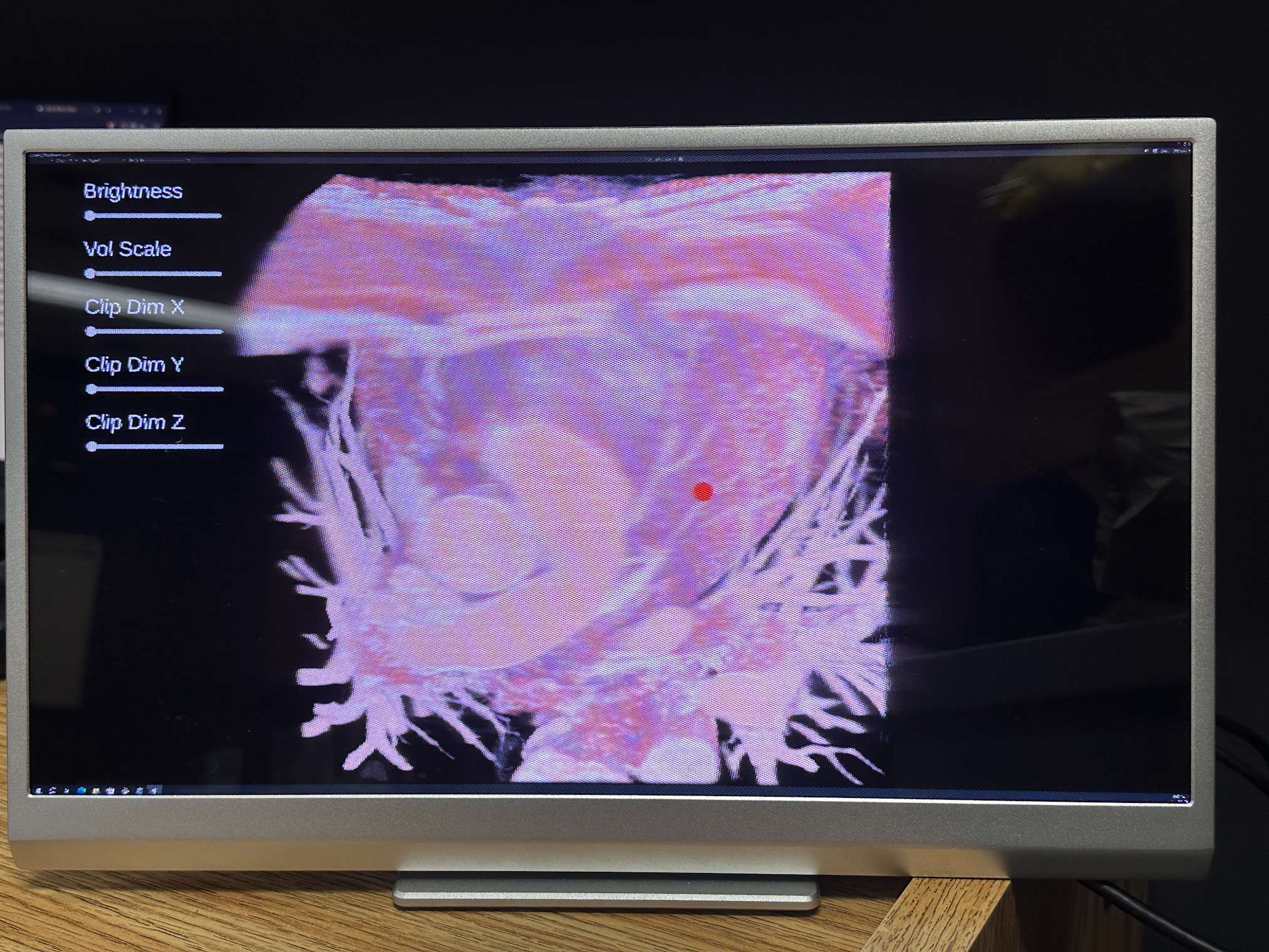
Interactive representations of data, environments, processes, or technical systems that allow users to inspect relationships and observe changes.
The design prioritizes clarity and useful exploration rather than adding interaction that does not help users understand the subject.
Common use cases: Medical imaging, research, education, technical training, scientific communication, and operational demonstrations.
Gameplay Mechanics & Systems
Core gameplay systems, including input, state management, progression, feedback, reusable components, and the rules that connect them.
I focus on establishing a dependable mechanical foundation before expanding the amount of content around it.
Common use cases: Game prototypes and small productions that need to validate or implement their central gameplay loop.
How I Work
01: Experience Definition
I begin by defining what the user should be able to do and what the interaction needs to demonstrate.
From there, I identify the smallest useful version that can validate the idea.
02: Technical Feasibility
I evaluate the target platform, rendering needs, input methods, assets, integrations, performance limits, and deployment environment.
The engine or web stack is selected after these constraints are understood, not before.
03: Prototype & Iterate
The core interaction is built first so its behavior can be tested before the surrounding scope expands.
Feedback is used to improve controls, pacing, system responses, and visual communication while changes are still inexpensive to make.
04: Stabilize & Deliver
Once the direction has been validated, I improve the project structure, performance, error handling, documentation, and deployment process for its intended use.
This stage also distinguishes experimental code from the parts that need to remain maintainable after delivery.
Technical Approach
Where practical, I keep application state and system rules separate from rendering, interface code, and visual assets. This makes important behavior easier to test, adjust, and reuse without rebuilding the entire experience.
Interaction feedback is treated as part of the system so that users are able to understand whether an action was accepted, what changed, and what they can do next.
Frame rate, loading time, asset size, device capability, and input limitations are considered early. Real-time performance problems become considerably harder to solve once the content and architecture already depend on them.
Godot, Unity, or a web-based stack is selected according to the target platform, rendering requirements, integrations, team experience, and expected lifespan of the project.
A Good Fit If
- You need to test an interactive concept before committing to a larger production.
- The value of your idea depends on behavior, movement, spatial information, or user experimentation.
- Your research or product needs an explorable visualization or simulation.
- You need a browser-based 3D experience that does not require an application install.
- You need gameplay mechanics, tools, or application systems developed in Godot or Unity.
- You need guidance selecting a realistic platform and scope for an interactive project.